HEALTHY INTEGRATION.
HEALTHY REVENUE.
Poor quality traffic cost is easy to miss, but it comes at a cost. There’s a fix. Resolve data and payload issues to increase your acceptance rate, reduce fraud, and root out technical declines.
Trusted by the brands you love





Remove the roadblocks for your revenue
Every checkout request sends customer and transaction data to issuers. When data is missing, incorrect, or misconfigured, it restricts the performance of your payments. Understanding issuer needs and ensuring integration health can help you to:

Boost revenue
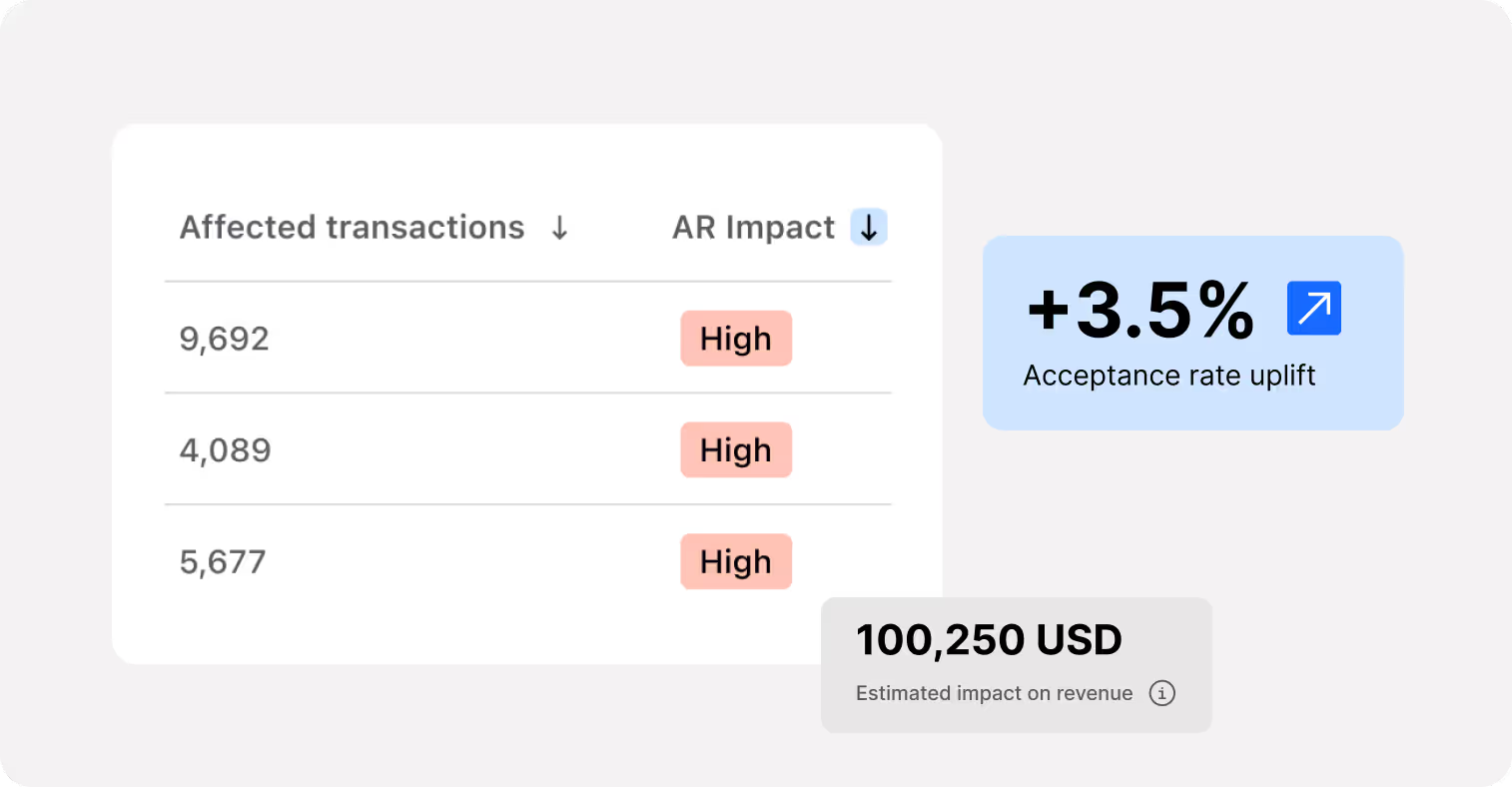
Accurate data and clean traffic can increase acceptance rates by up to 3.5%

Reduce risk
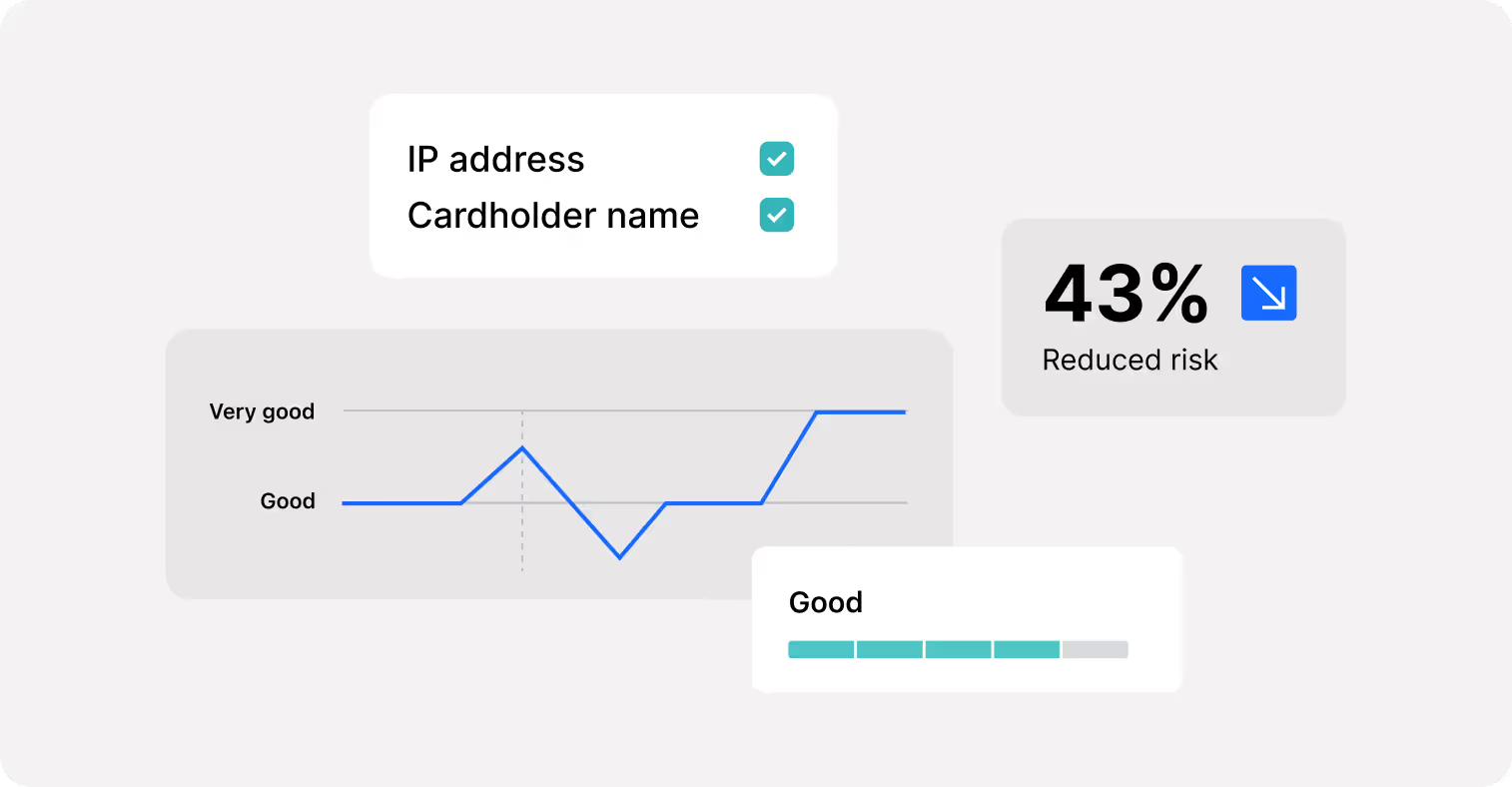
Robust customer data helps separate genuine transactions from fraud, reducing risk by around 43%

Stay compliant
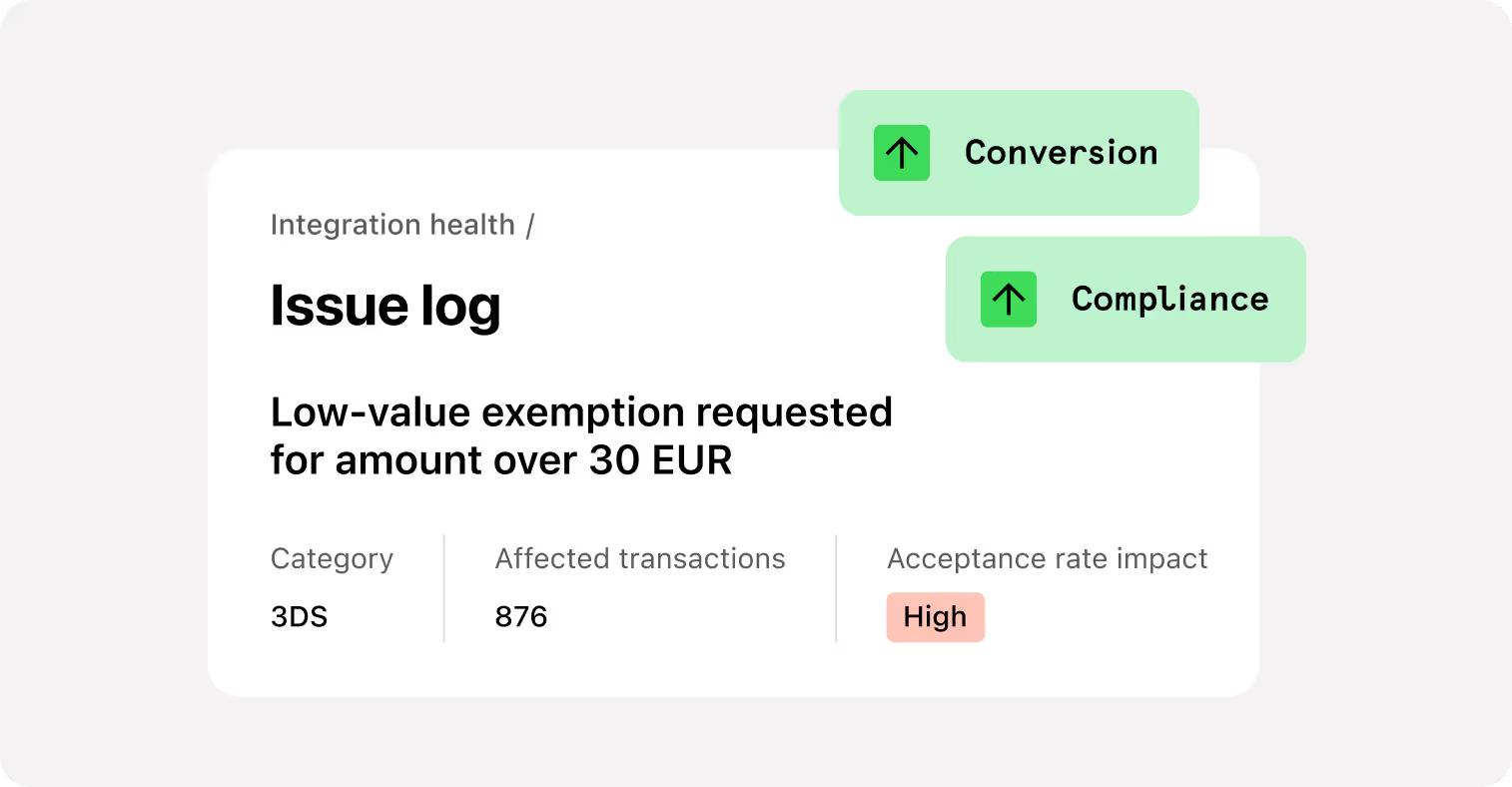
Missing mandatory fields may result in higher fees or even fines
What you can fix
Customer data health
up to +1.6% acceptance rate and -43% fraud risk
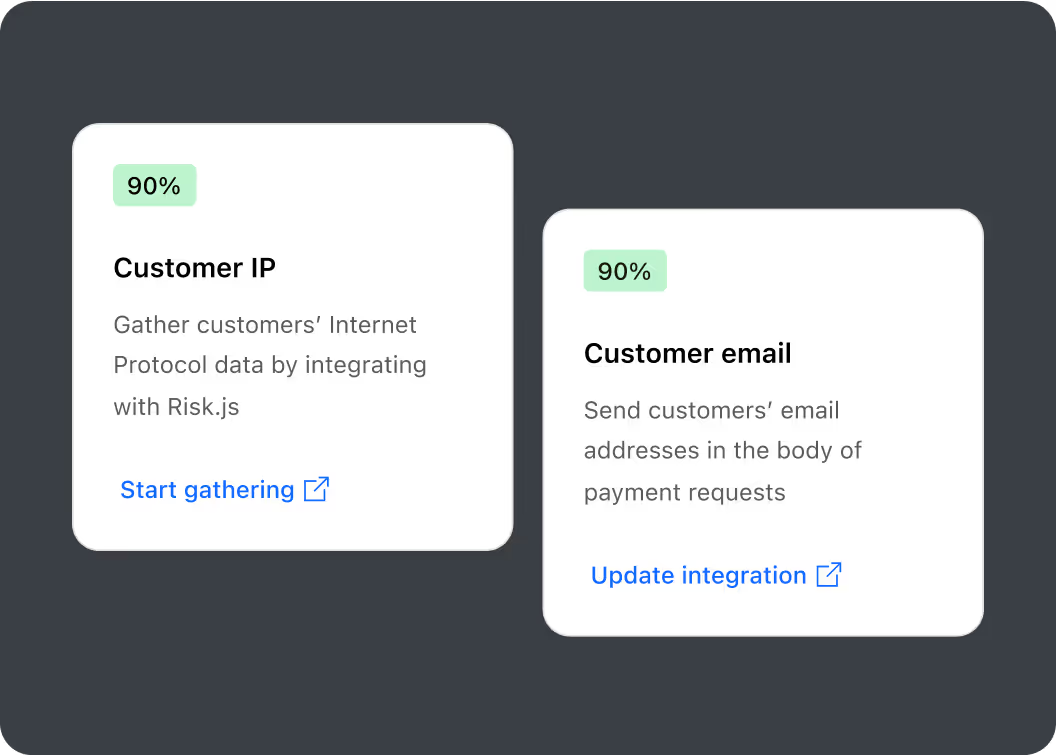
Consistently collecting and passing on critical data fields like IP address, Email, Cardholder name, and Device ID helps increase acceptance rates and reduce fraud risk at checkout.
Payload health
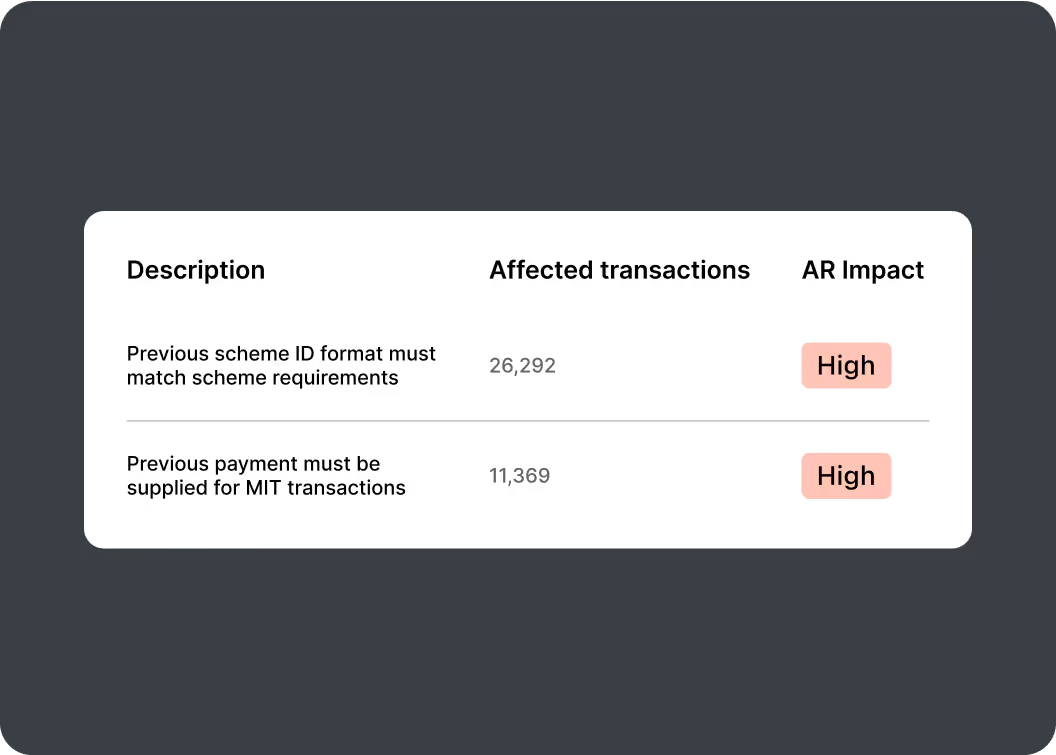
up to 2% acceptance increase from fixing transaction flags
Accurate transaction flagging and data formatting (including MIT vs. CIT, 3DS parameters) is proven to cut needless declines substantially.
AI-POWERED PAYLOAD ANALYSIS
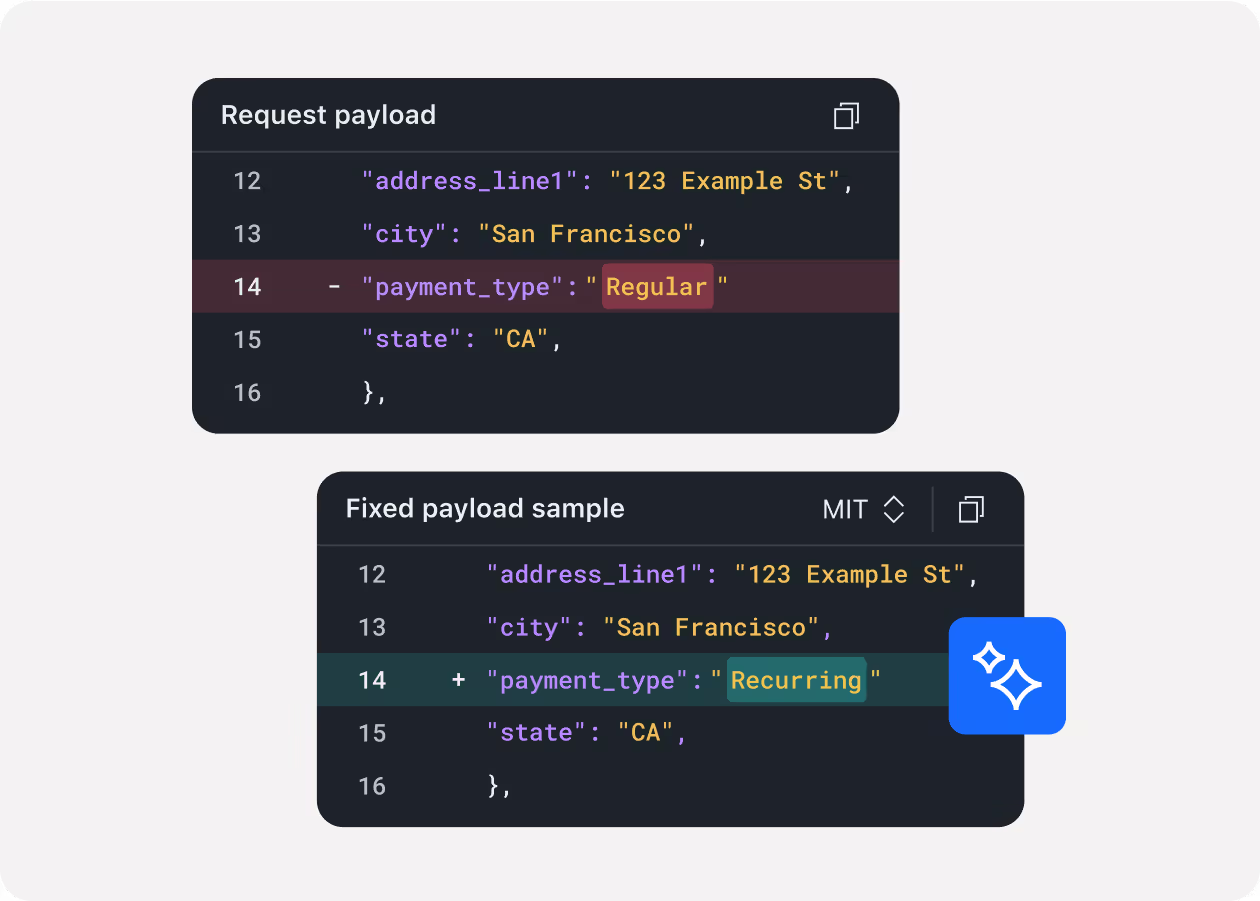
Integration Health from Checkout.com features an AI model that continuously learns to help you find, understand, and fix payload issues faster. It’s live now in your dashboard, helping with:
Easier fixes
Automatically suggests corrected versions of failed transaction payloads with 95%+ accuracy.
Invalid field detection
Spots invalid or missing fields that can hurt acceptance rates.
Clear guidance
Explains what went wrong with a failed transaction, and shows how to resolve it.
Sharable insights
Assigns every issue a unique URL, making it easy to collaborate across teams.
Complete security
The model is hosted internally for total data security and privacy.
The healthy traffic advantage
+19%
Acceptance rate leapt by almost a fifth after an investment platform fixed a 3DS integrity issue.
+3%
Acceptance rate increased when a cryptocurrency business resolved exemption misconfigurations.
+2%
Increased acceptance rate for a food delivery business after fixing incorrect MIT and CIT flagging in the payload, using provided sample payment IDs.
Using the dashboard
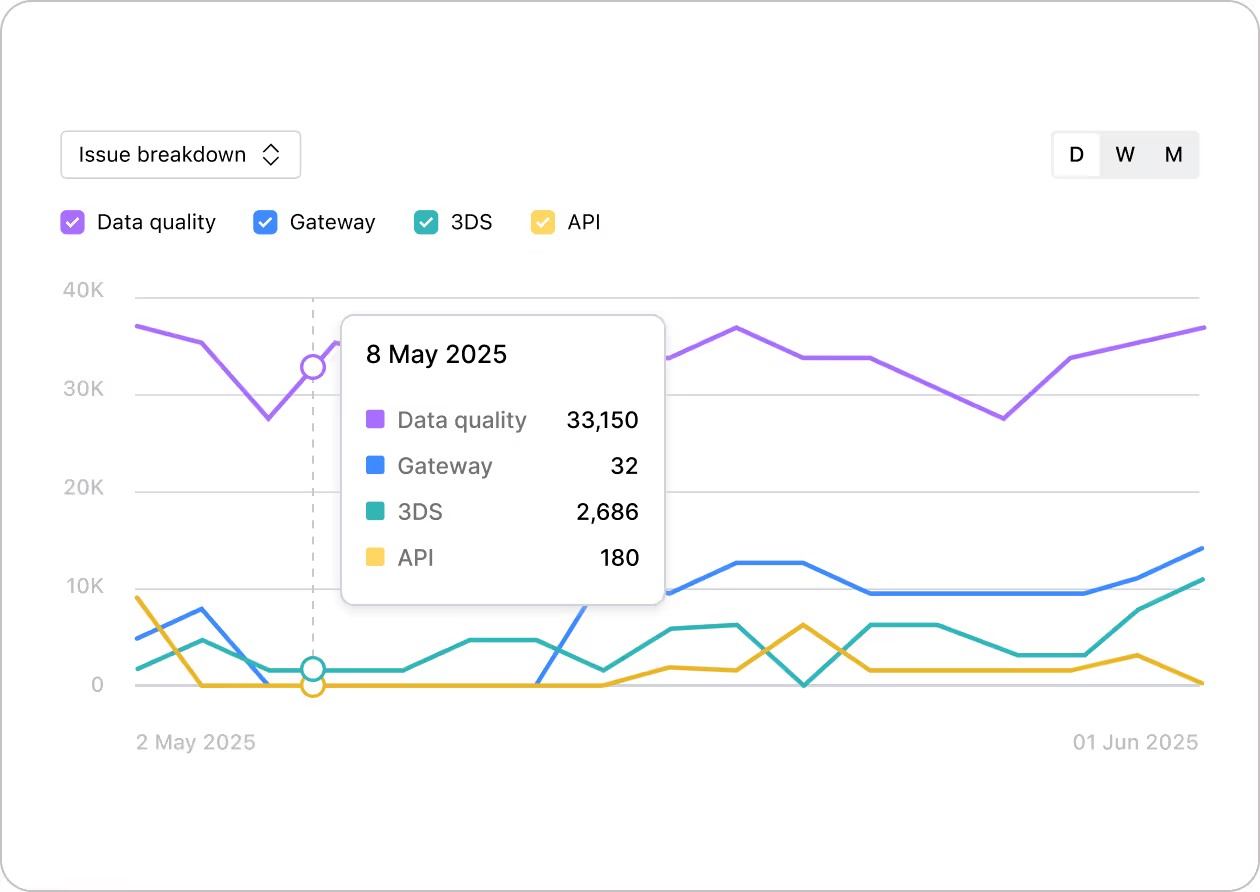
The Integration Health dashboard highlights any issues and their direct impact on your revenue, so you can act fast to improve performance.

Quick detection
Find missing data or payload inconsistencies before they affect your bottom line.

Actionable insights
See the highest impact issues, track occurrence, and get error-level recommendations.

Trend monitoring
Track your improvements over time, and keep your integration clean.
Don’t let your integration restrict your revenue
Open dashboardFrequently asked questions

You can find the Integration Health Dashboard in the Developer section or by following a direct link.
The Dashboard interface provides you with a clear impact of every issue on Acceptance Rate (AR) and Fraud Rate (FR), ranging from Low to High. We recommend addressing high-impact issues first, however fixing the low-impact ones will result in positive changes as well.
A detailed summary is provided for every issue on a separate page, alongside with a recommendation for fixing it. Leveraging AI-powered payload analysis, we also provide a sample of a corrected payload, highlighting what exactly needs to be fixed or added to resolve the issue.